

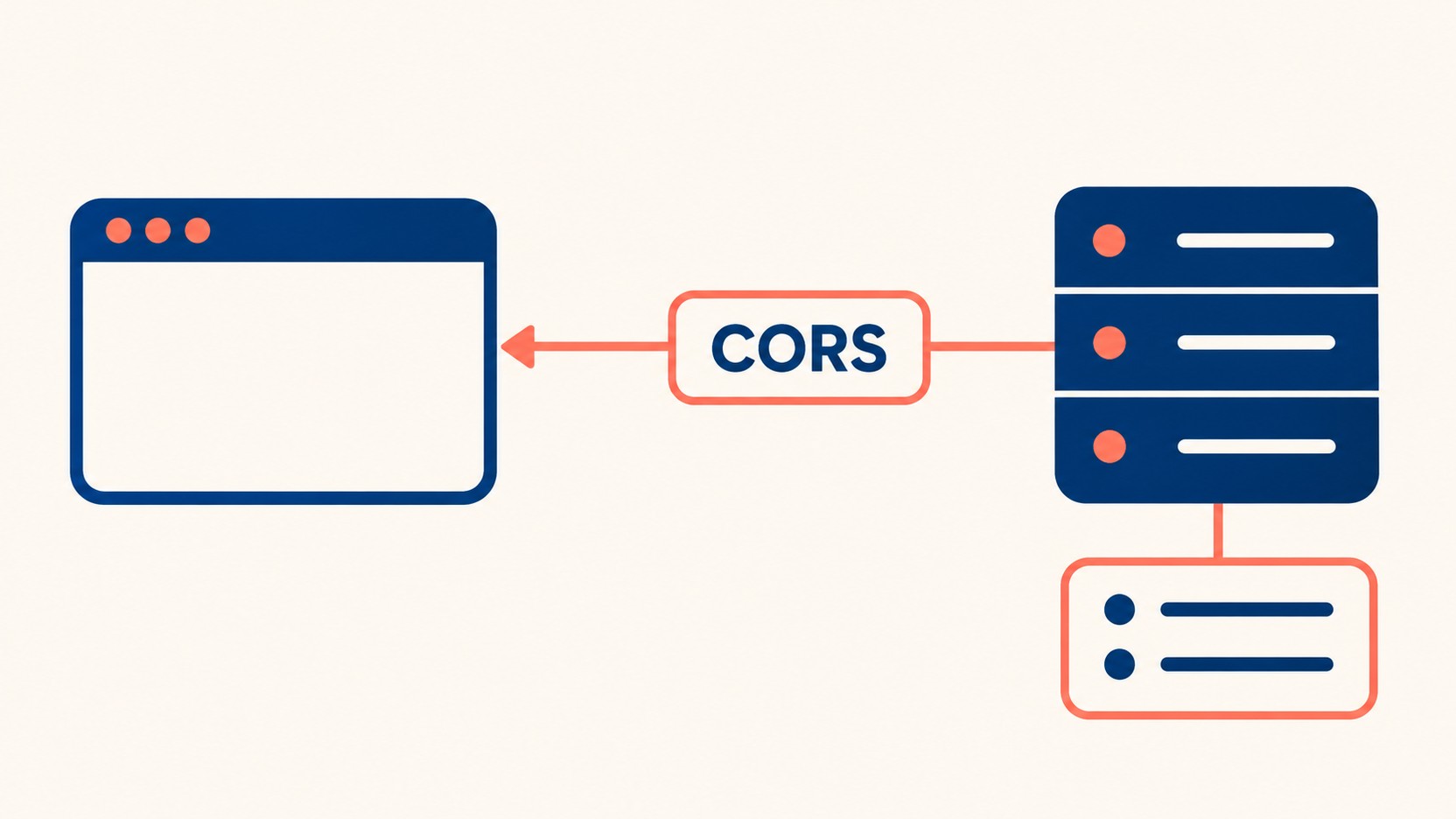
前端页面与API的协议、主机或端口不同,就属于不同源。CORS用于决定浏览器脚本能否读取跨源响应,不替代后端身份认证、数据访问授权或CSRF防护。看到CORS报错,不能直接推断请求没有到达服务器。
区分读取限制和请求副作用
MDN同源策略说明区分跨源读写。某些请求不经过预检就能发送,浏览器阻止脚本读取响应,也不能撤销服务器已经执行的操作。因此,更改资料等接口仍须验证登录状态、对象权限及适当的CSRF防护。
Origin可以由非浏览器客户端伪造,不是登录凭证。公开且不带凭据的资源可以按需求使用Access-Control-Allow-Origin: *;涉及个人档案时通常应限制来源,并检查缓存和授权。不能一概把星号等同违规。
开发环境的devServer.proxy解决的是本地请求路径,打包后不会自动成为生产代理。生产可以部署同源代理,或者按实际前后端来源配置CORS。
网关统一配置的完整示例
在橙星云的架构规范体系中,跨域规则的配置应当与业务代码解耦,推荐在系统的最外层网关(如 Nginx)进行统一的流量接管和权限收拢。
下例是完整的本地Nginx配置,监听回环地址,后端占位为127.0.0.1:19090。它只允许两个示例来源以及列出的请求方法和请求头;上线时应放入实际HTTPS部署并替换来源、后端及允许列表,不能覆盖现有生产配置。
# Standalone local example, not a production nginx.conf replacement.
# Replace the example origins and backend address before adapting to deployment.
# Production requires HTTPS, authentication, authorization and CSRF defenses.
worker_processes 1;
pid logs/nginx.pid;
error_log logs/error.log;
events { worker_connections 128; }
http {
    access_log logs/access.log;
    client_body_temp_path temp/client;
    proxy_temp_path temp/proxy;
    # Full origin values, no suffix matching or wildcard subdomains.
    map $http_origin $cors_origin {
        default "";
        "https://app.example.com" "https://app.example.com";
        "https://admin.example.com" "https://admin.example.com";
    }
    map $cors_origin $cors_credentials {
        default "true";
        "" "";
    }
    map "$request_method:$cors_origin" $cors_methods {
        default "";
        ~^OPTIONS:https:// "GET, POST, OPTIONS";
    }
    map "$request_method:$cors_origin" $cors_headers {
        default "";
        ~^OPTIONS:https:// "Authorization, Content-Type, X-CSRF-Token";
    }
    map "$request_method:$cors_origin" $cors_max_age {
        default "";
        ~^OPTIONS:https:// "600";
    }
    upstream backend_cluster {
        # Placeholder: replace with your real trusted backend.
        server 127.0.0.1:19090;
    }
    server {
        # Loopback HTTP is for the local fixture only, not public deployment.
        listen 127.0.0.1:18080;
        server_name localhost;
        location /api/ {
            # Gateway owns CORS; discard conflicting upstream CORS fields.
            proxy_hide_header Access-Control-Allow-Origin;
            proxy_hide_header Access-Control-Allow-Credentials;
            proxy_hide_header Access-Control-Allow-Methods;
            proxy_hide_header Access-Control-Allow-Headers;
            proxy_hide_header Access-Control-Max-Age;
            proxy_hide_header Access-Control-Expose-Headers;
            # Preserve upstream Vary (e.g. Accept-Encoding), then append Origin.
            add_header Vary "Origin" always;
            add_header Access-Control-Allow-Origin $cors_origin always;
            add_header Access-Control-Allow-Credentials $cors_credentials always;
            add_header Access-Control-Allow-Methods $cors_methods always;
            add_header Access-Control-Allow-Headers $cors_headers always;
            add_header Access-Control-Max-Age $cors_max_age always;
            # This example reserves all OPTIONS under /api/ for CORS checks.
            # No add_header here: retain the location's complete header set.
            if ($request_method = OPTIONS) { return 204; }
            # No trailing slash: preserve the /api/ path sent to the backend.
            proxy_pass http://backend_cluster;
            proxy_set_header Host $host;
            proxy_set_header X-Real-IP $remote_addr;
        }
    }
}
所有add_header放在同一location中,OPTIONS分支只返回状态码。Nginx响应头模块文档说明,子层自行配置响应头可能改变继承;把Allow-Headers单独写入if分支,可能使预检缺少其余许可头。既有安全响应头的继承也要一起核对。
网关清除上游重复CORS许可头,再统一添加。Vary: Origin提示缓存区分来源,同时保留上游其他Vary值;它不能代替个人数据的缓存控制。未列入的来源、null来源和无Origin请求不获得CORS读取许可,实际请求仍可能转发给后端。
凭据与预检分别核对
MDN CORS指南说明,带凭据的跨源读取需要明确来源,不能用星号,并需相应凭据许可。前端也要按需要设置credentials;Cookie的SameSite、安全属性和浏览器第三方Cookie限制仍会影响行为。
此例把/api/下OPTIONS保留为预检用途;如果应用另有OPTIONS语义,应调整路由。204本身不代表请求的方法与头已获许可,浏览器还会核对响应中的允许列表。预检不应依赖会话Cookie,实际请求的鉴权仍须执行。
排错与验收顺序
- 检查实际Origin是否与白名单的协议、主机和端口一致,不接受相似后缀域名。
- 查看OPTIONS响应是否同时包含正确的Origin、Methods和Headers,以及有无重复许可头。
- 检查实际请求和401、403等错误响应,不能只验证预检。
- 用真实浏览器分别测试允许、拒绝、无凭据和带凭据场景;curl看到响应不能证明浏览器会允许读取。
- 单独验证未登录、越权对象访问与CSRF场景,避免把CORS通过当成安全验收完成。
部署前运行nginx -t,并在隔离测试环境验证上游路径与响应头。示例配置需要结合具体Nginx版本、HTTPS和缓存策略完成运行测试后再使用。